

How to document and version corporate automations
Documenting and versioning a corporate automation means recording what the flow does, why it exists, which systems it depends on and what changed since it was built. Seven items cover the essentials: purpose, summarized flow, inputs and outputs, rules, integrations, owners and change history. The trick is keeping that record without turning it into bureaucracy.
Why document automations that already work?
Corporate automation rarely starts as a big project. It starts as an irritation: the manual report that eats Friday, the invoice that goes out late, the record typed twice. In a Zapier survey of people at small and mid-sized companies, 94% said they perform repetitive, time-consuming tasks in their role, and 66% consider automation essential to running the business. Automating became routine. Control over what got automated did not.
Every automated flow carries business rules that are written nowhere else: when the exception applies, which customer gets the discount, what happens to a rejected order. While the person who built it is around, that is fine. When they take leave, move teams or leave the company, the rule leaves with them.
Documentation solves concrete problems.
- Safe changes. Whoever edits the flow knows what depends on it before touching anything.
- Shorter onboarding. New people understand the process by reading, without archaeology.
- Visible accountability. Every automation has an owner, and the dependencies between flows are in plain sight.
- Audits become possible. Reviews and compliance stop depending on the memory of whoever was there.
What should you record for each automation?
You do not need a long manual. A seven-item outline covers what matters.
- Purpose. What problem the automation solves, and for whom.
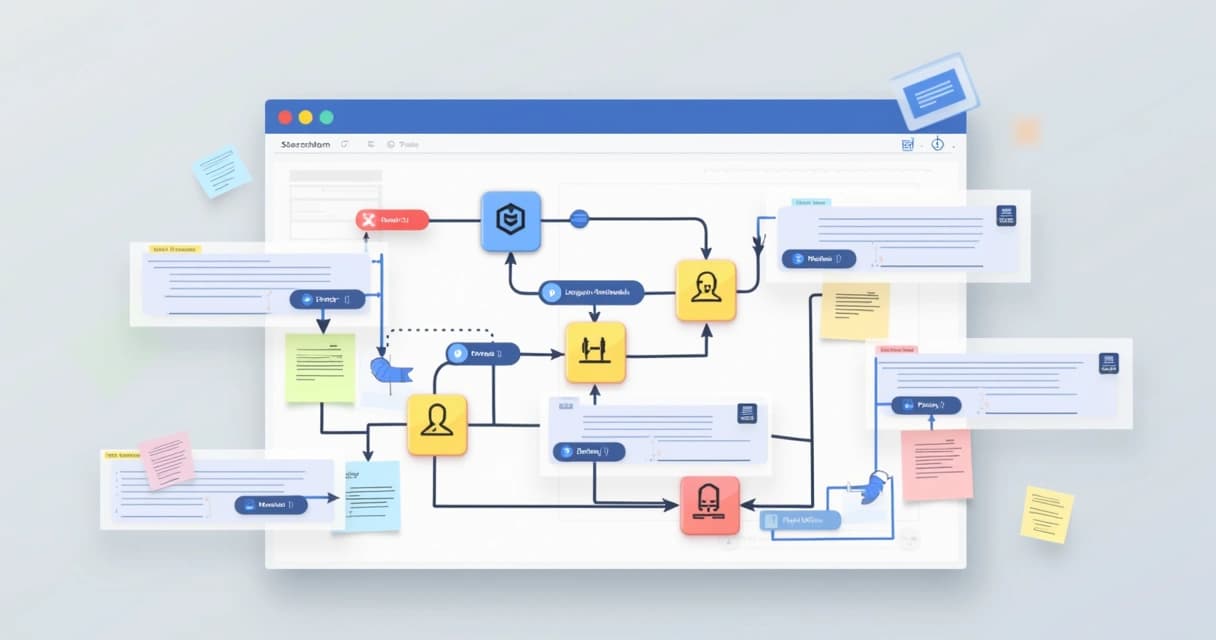
- Summarized flow. The main steps, as short text or a simple diagram.
- Inputs and outputs. Which systems, data or events feed the flow, and what result it should produce.
- Rules and conditions. When each path runs, including the exceptions.
- Integration points. APIs, spreadsheets, databases and applications the flow reads or changes.
- People involved. Who triggers it, who maintains it and who depends on the result.
- Change history. What changed, when and why.
A few paragraphs, a rough flowchart or a visual checklist is enough. There is only one quality test: the next person who opens the automation understands the context without having to ask. The same principle applies to processes generally, and the route is in standardize critical processes without bureaucracy.
Where should the documentation live?
Three layers complement each other.
- Inside the tool itself. Comments, descriptions and clear names on every step of the flow. This is the documentation nobody has to go looking for.
- External visualization. Diagrams and process maps for business conversations, where technical detail gets in the way more than it helps.
- Centralization. An internal wiki that gathers everything and lets people search by system, process or term.
The third layer is usually the most neglected and the one that pays for itself fastest. In Atlassian's State of Teams 2025, leaders and teams report wasting 25% of their time just searching for answers. Among developers, the Stack Overflow survey puts 62% at more than half an hour a day hunting for solutions someone on the team probably already knows. Documentation nobody can find is documentation that does not exist.
How do you version without a versioning tool?
Not every automation platform offers decent version control. Simple discipline compensates.
- Name copies with a date and a short description. Invoice_Send_V3_2026-03-15 tells a story. "Copy of Copy of Invoice_Send" hides one.
- Keep a change log for every edit: date, author, what changed and why. A simple table does the job.
- On large changes, keep the previous version disabled for a few weeks. If something breaks, rolling back takes minutes instead of a whole night.
When the platform has native version history, use it. Just do not confuse technical history with context: the tool shows what changed, rarely why. The explanatory log stays necessary, and it is what turns history into something you can decide from.
What happens when nobody documents?
Picture an insurance brokerage that accumulated dozens of automations over three years, built by different people: policy issuance, renewals, commissions, expiry notices. Each one solved a real problem at the time. Nobody recorded purpose, dependencies or owner. One day an adjustment to a flow that looked harmless stalls policy issuance for hours, and the company discovers it has no idea where to start investigating.
The scenario is hypothetical, but the pattern shows up in real operations of that size. A single management system that holds policies and automations together, like the one built for UniTrust, a US insurance IMO, exists in large part to prevent that scattering: the knowledge lives in the system, with rules and owners visible, instead of spread across the heads of whoever built each flow.
Recovery in these cases always follows the same route: map flow by flow, record purpose, inputs and owners, review the history, and only then start editing again. It works, and it costs weeks. Recording during creation costs minutes per automation.
How do you make it a team habit?
Documentation survives when it becomes behavior. A simple sequence helps.
- Before building the automation, write one sentence with the problem and the expected result.
- Sketch the flow in a quick diagram, even on paper.
- List inputs, outputs and technical dependencies.
- On every change, record what changed and why in the log attached to the process.
- Schedule a periodic review to find old, duplicated or orphaned automations. A monthly inspection of internal systems is a good place to anchor that routine.
A few cultural reinforcements make the habit stick: standard templates so nobody starts from a blank page, an open channel for questions about existing flows, and documentation treated as part of the delivery. An automation with no record is an incomplete delivery.
That is the working standard on our projects: the documentation for each automation is written alongside the flow, because it is what keeps the operation's knowledge alive when people move on.

Frequently asked questions
Won't documenting slow the team down?
It costs minutes and saves days. A record written at creation time, with the context fresh, rarely runs past half a page. Reconstructing the same understanding months later, without the author around, takes days of investigation and still comes out with gaps.
The platform already keeps a change history. Do I need more?
Native history shows what changed in each version, almost never why. To roll back yesterday's edit, it is enough. To decide whether a rule written two years ago still makes sense, only the explanatory log answers. Together they cost little and complete each other.
Who should own the documentation for automations?
The person who maintains the flow. Centralizing everything under a single documentation keeper creates a bottleneck and moves the record away from whoever knows the process. What does need to be central is the place the records live and the periodic review, with a date and an owner.
Next step
If your automations have multiplied and the knowledge about them lives in a few people's heads, it is worth drawing the map before the next change breaks something important. An Operational Architecture Diagnostic surfaces, in 30 minutes, which flows exist, which systems they depend on and where to start recording. Book a conversation.
Read next
Related case studies

Did you recognize your operation in this article?
Book the Operational Architecture Diagnostic: 30 minutes to map where your operation's bottleneck is. No proposal in the first conversation.
Book a diagnostic